Take a guess: how many photos are on your phone right now? I’m currently close to 29,000. Now how often do you go back and look through all those memories?
With the dramatic increase in the number of photos we take and the overall decline of printed photos, it can be easy to leave all those photos locked up in our phones. We forget about that favorite family portrait, those adorable Halloween costumes we put the kids in or that wedding photo that takes you right back to that moment.
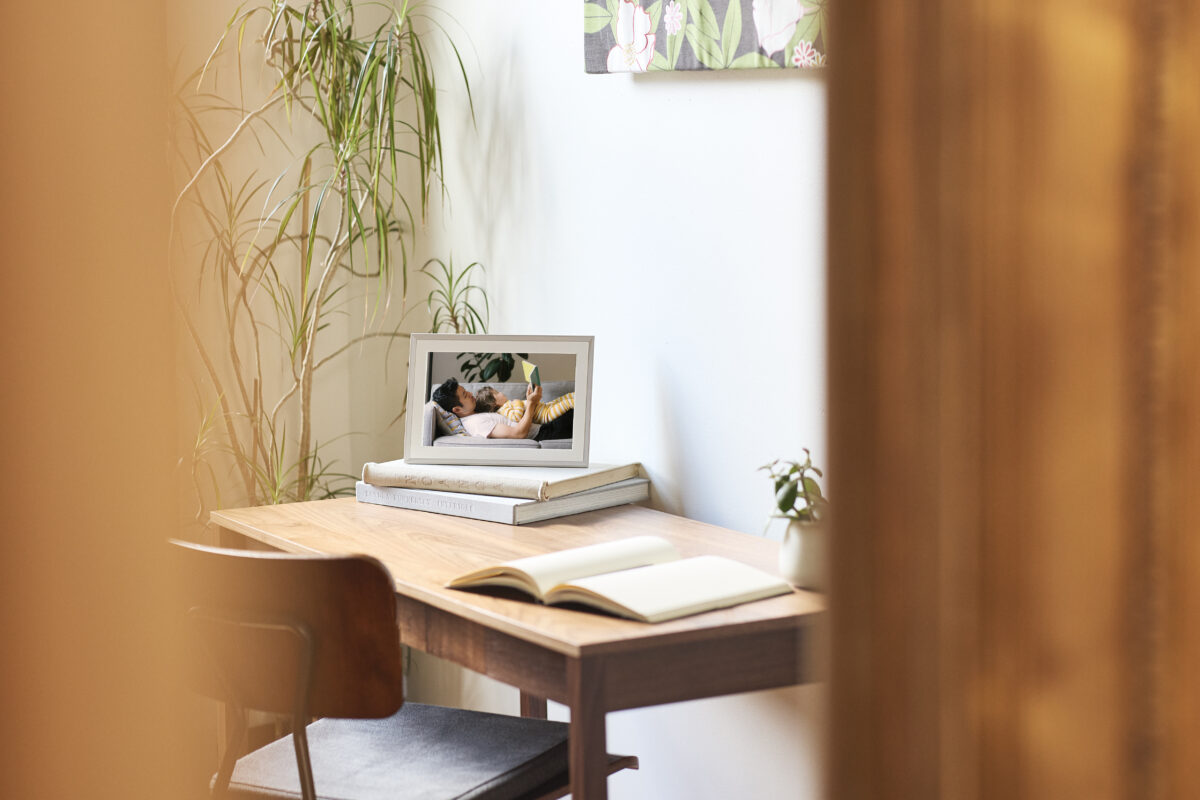
A digital photo frame can help free your photos from your phone and bring all your favorite memories front and center.
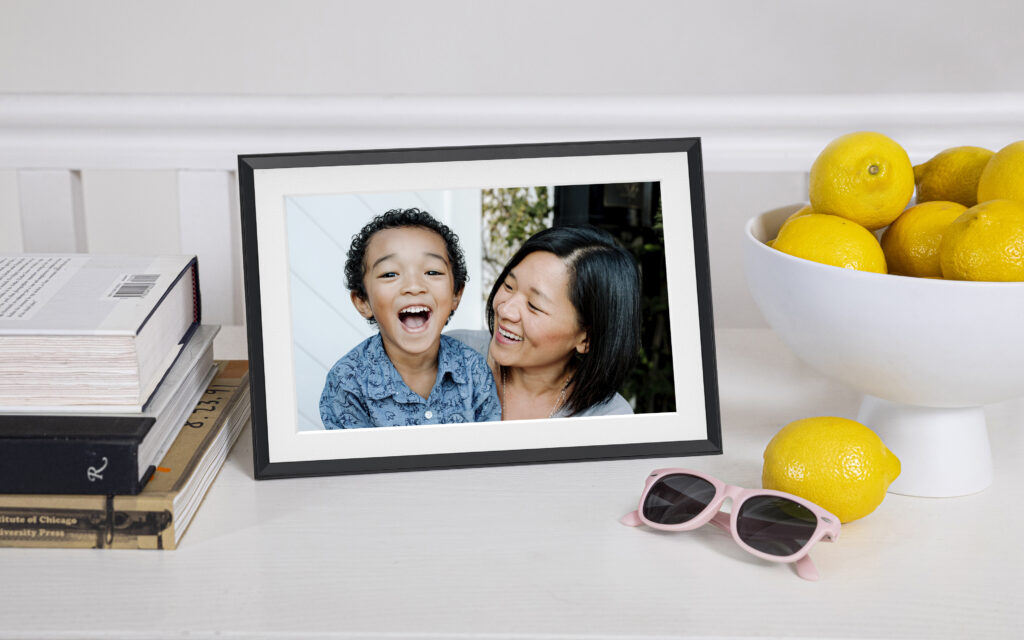
Digital frames allow you to upload your favorite photos that circle through being displayed, allowing you to see not just one favorite photo – but thousands!
Digital frames of the past weren’t always that attractive and often had clunky interfaces and subpar photo displays. But that has all changed. Recently, I had the chance to try out Aura Digital Frames, and the contrast is striking. Gorgeous, counter-worthy frame designs you want to display, crisp, high-def photo quality, and both an app and frame interface that are user-friendly.
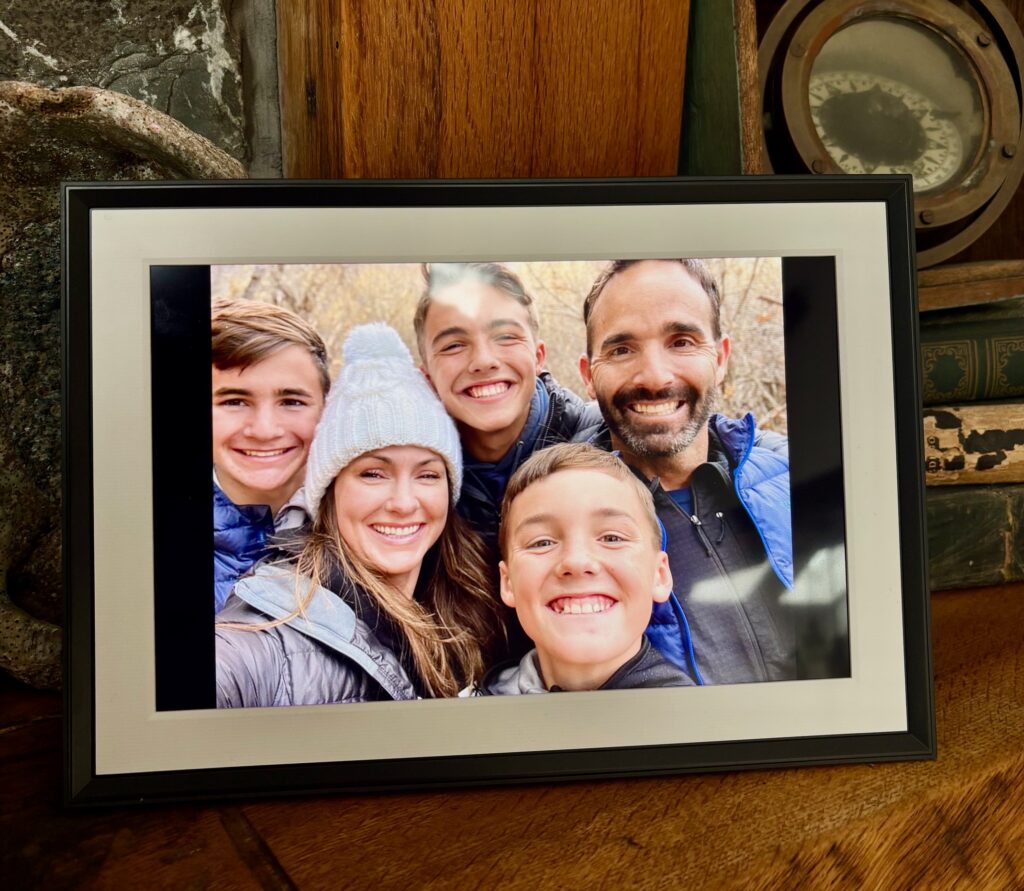
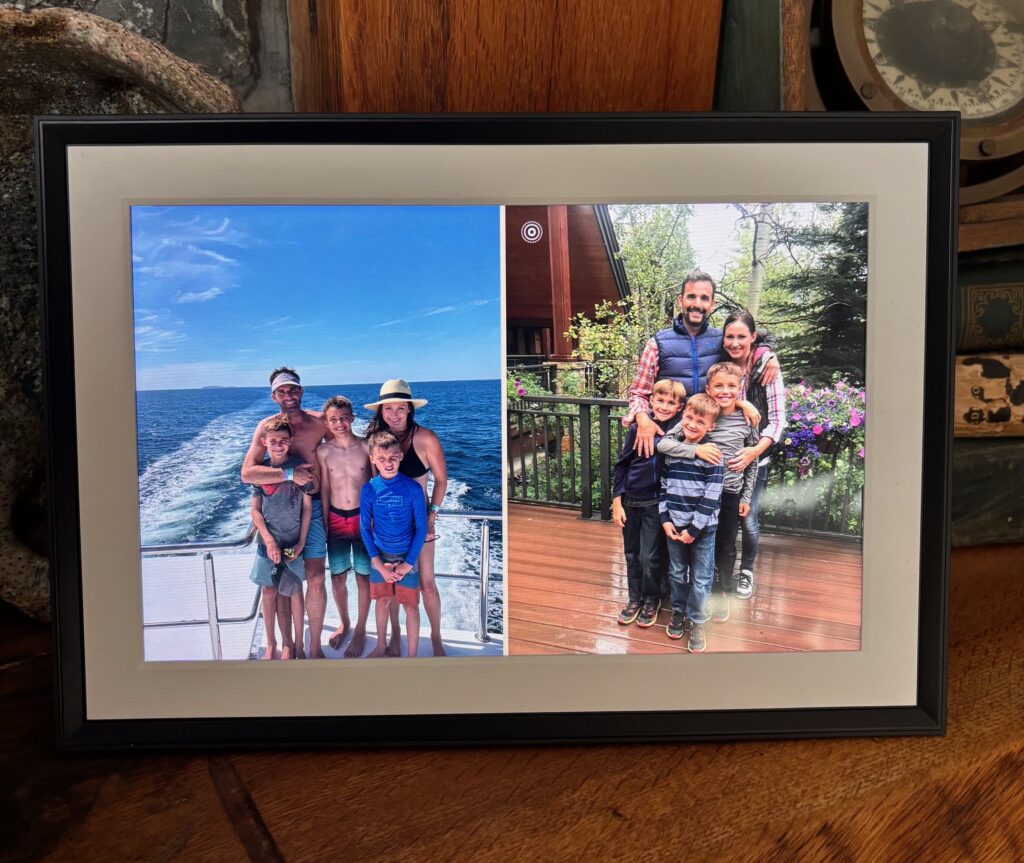
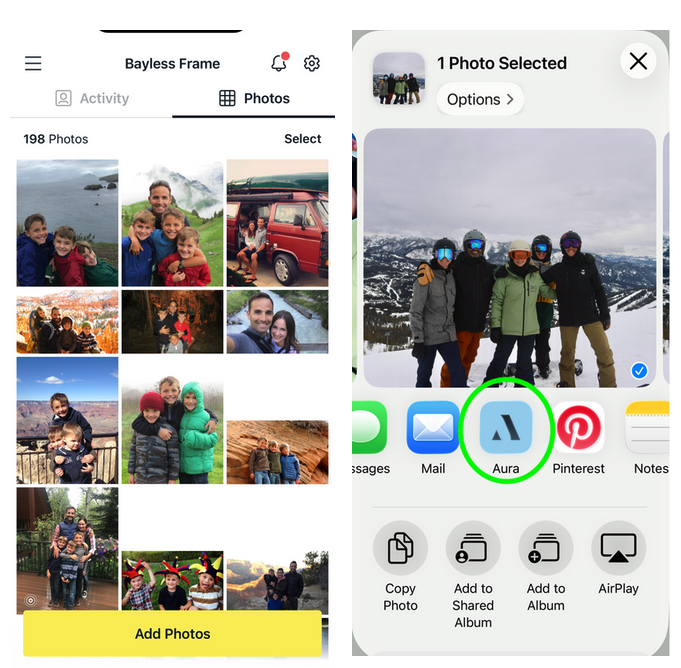
I opted for the 10” Carver Mat Frame in Gravel. The frame took less than one minute to set up from plugging it in, connecting to wifi, and starting to upload pictures from the easy-to-use app. I love that there are so many ways to upload photos to the frame. I can upload via the app or by selecting photos in my Photo app and choosing to share them with the Aura frame. You can also use a web-based photo loader or even send them via email. The frame automatically crops and adjusts ratio aspects to ensure every photo fills the frame. Although the Carver is horizontally oriented, it combines vertical pictures together side-by-side into a fun photo collage.
Aura frames are also gift-ready. If you’re thinking of gifting an Aura frame, they have a number of features that make it easy to give as a personalized, memory-filled present. You can preload photos and videos or invite other friends and family to add photos to the frame via email or the app. You can even create a custom message that will appear on the frame as a one-off special greeting.
Whether you’re looking for a Mother’s or Father’s Day gift to give (or receive!), want to gift a frame full of family memories to a graduate heading off to college or just want to add a little bit of joy to your own office or living room, an Aura digital frame helps to get all your favorite family memories off your phone so you can start enjoying them.
9 Reasons To Gift (or Get!) an Aura Frame
No photo limits. Whether you have 25 favorite photos you want displayed on the frame or 250,000, Aura frames have no limit to the number of photos you can upload to be displayed.
Videos too! With the Aura frame, you aren’t just limited to uploading photos. The frames can also display 30-second video clips as well.
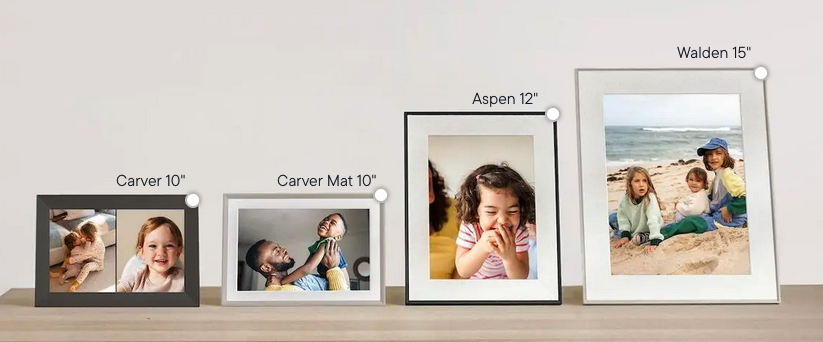
Style and size options. Aura digital frames come in sizes ranging from 10” up to 15”, two frame colors, landscape or portrait and with or without a frame mat, letting you pick the perfect design for your home, office or giftee.
No subscription. I love that Aura frames have no fees or subscriptions. Once you purchase the frame, you have access to upload as many photos as you want and see them forever without any added costs.
User-friendly interface. I’ve owned other digital frames and none of them compare to the ease of use of Aura’s system. Whether it’s the Aura app or the touchbar on the frame, the features, tools and prompts are intuitive and user-friendly – regardless of how tech-savvy you are. The Aura app even has an in-app scanner that helps you to easily convert your favorite print photos into digital displays.
Upload photos however and whenever you want. Upload photos via the convenient Aura app, web loader or email. Or just share them to Aura via the Photo app. You can also set up “Auto-Add” that will always add new photos from a specific photo folder to your frame.
Select your switch speed. Some people might love to have the same photo displayed for a full day. Others might like the photo to switch every 30 seconds. Or you might fall somewhere in-between. With the Aura frame you can select how often the photo changes based on seconds (15 or 30), minutes (1, 2, 5, 10, 15 or 30) or hour (1, 2, 4, 12, 24).
Auto-light adjustment. Aura frames automatically adjust their brightness based on the light in the room, turning off when it’s dark and on when it senses light.
Schedule your frame. If you want your frame to turn on and off at the same times every day, regardless of the brightness in the room, you can use the Schedule option, also known as the frame’s sleep timer.
Since we’ve had our Aura frame, it’s been so fun for our family to relive the trips, the holidays, the funny faces and amazing memories that have been locked in our phones. The kids have had fun trying to remember where certain photos were taken, and it’s made us all grateful for all the adventures we’ve had.
If you’re ready to free your photos from your phone, visit Auraframes.com to see current discounts or deals or get overnight delivery with Amazon.
Disclaimer: This post is not sponsored. Opinions expressed are the author’s. Thanks to Aura for sending a sample.